Maintain

Roadside Assistance Services

Keep your fleet operational with fast-response roadside services designed to reduce downtime and protect daily revenue.

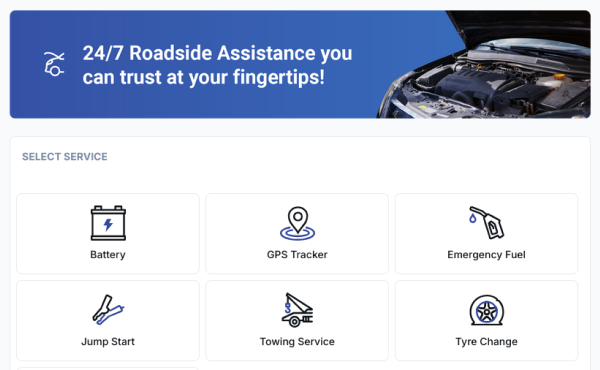
Driveo roadside assistance dashboard

How to Book Roadside Assistance on DRIVEO

Follow these simple steps to request DRIVEO fleet roadside services, confirm your order, and get support fast.

Step 1

Step 1

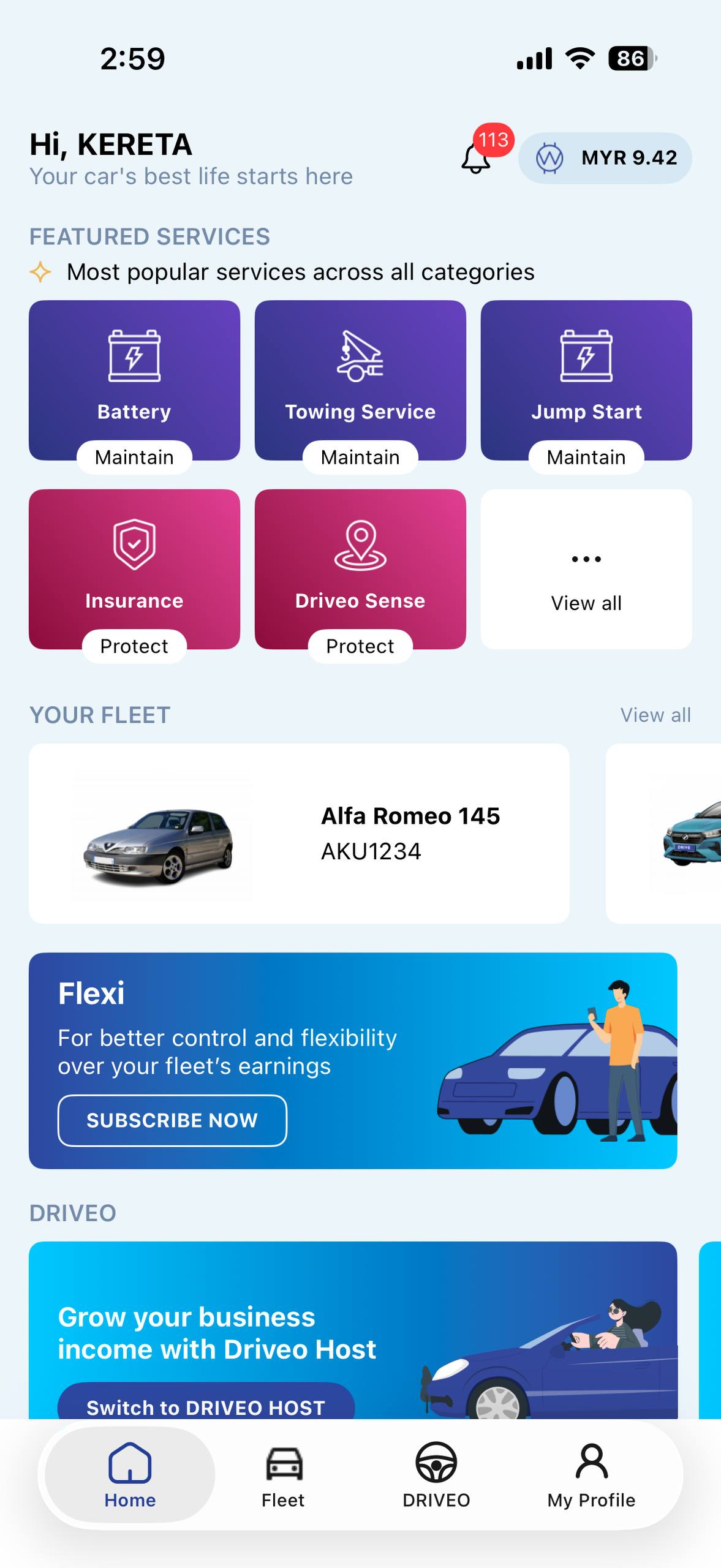
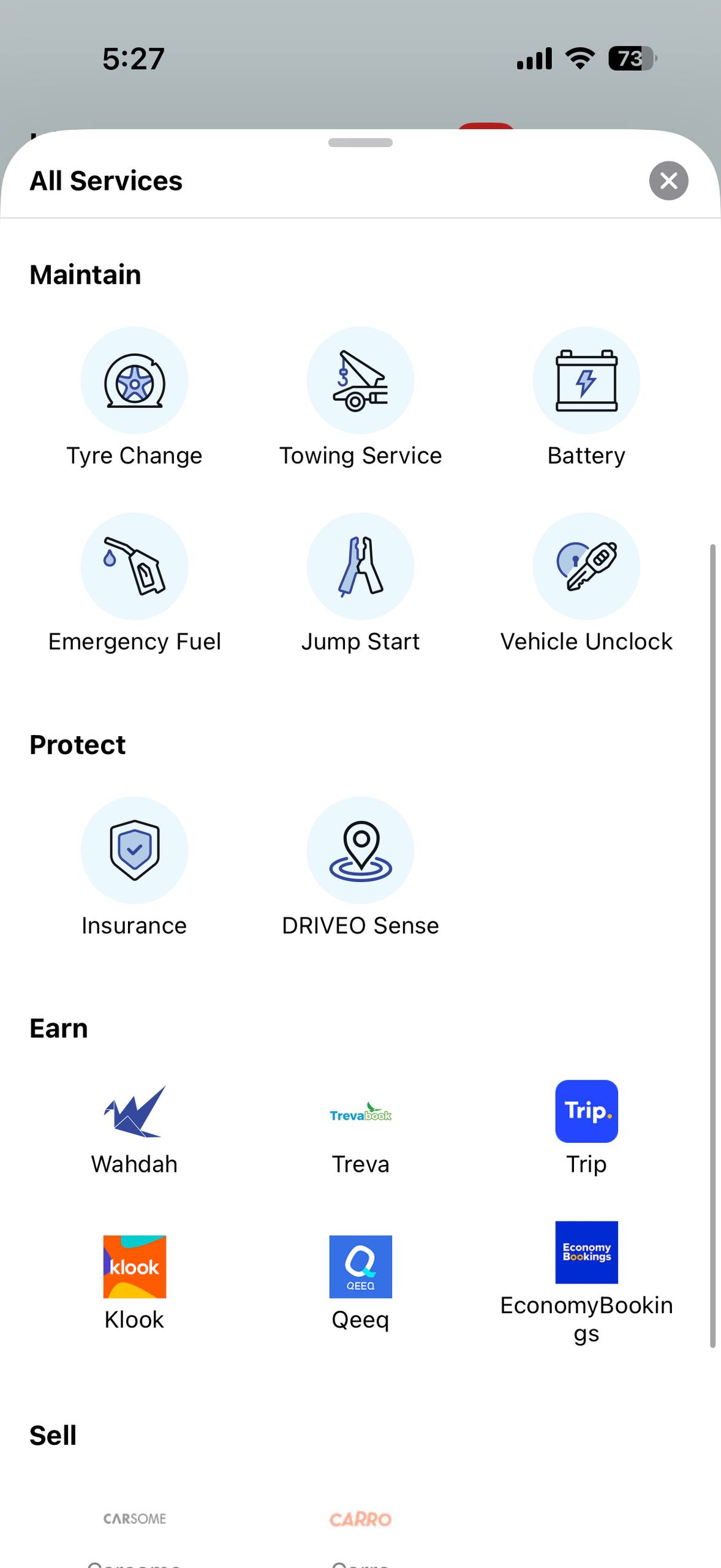
Open the DRIVEO app and tap View All to browse available roadside assistance services.

Step 2

Step 2

Choose the service you need, such as battery service, towing, tyre change, emergency fuel, or car unlock.

Step 3

Step 3

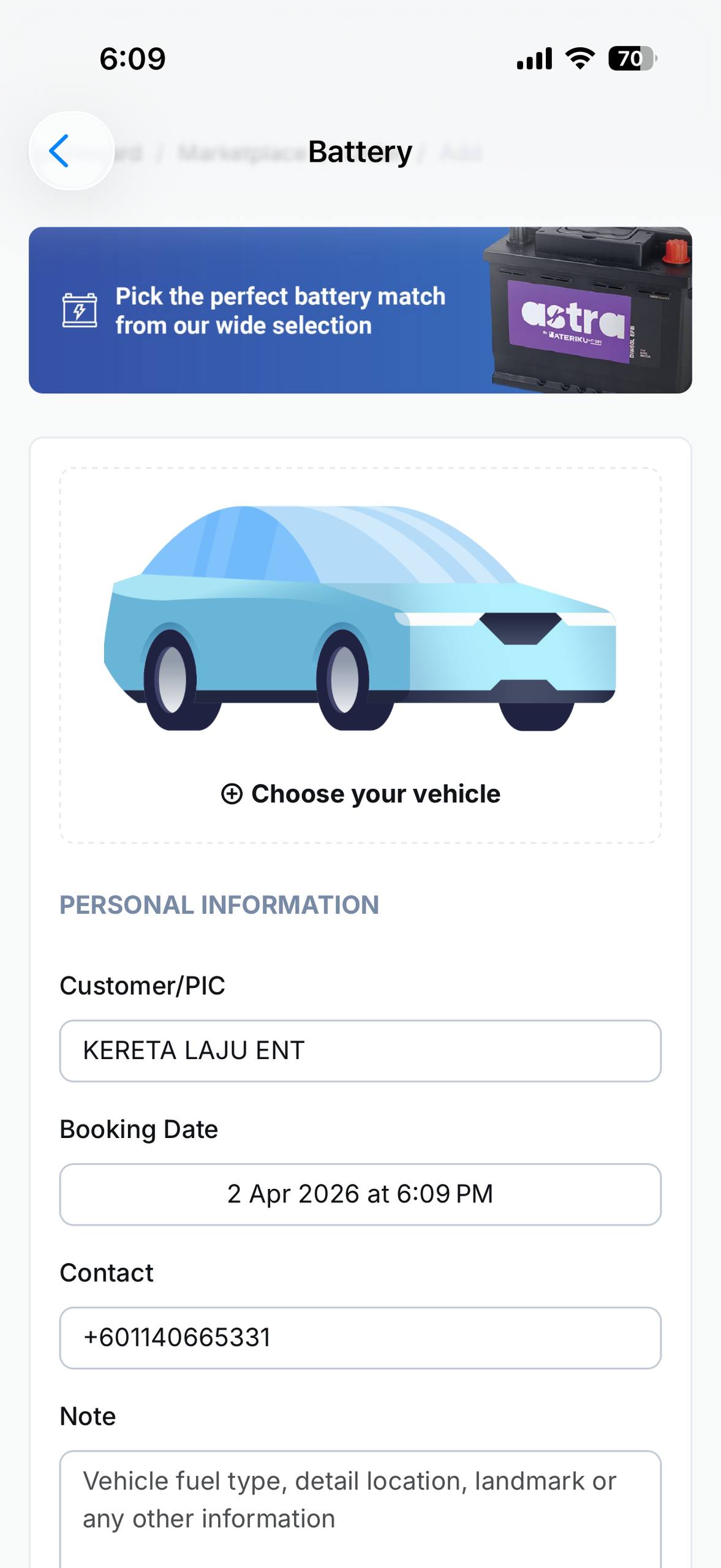
Enter your vehicle and contact details, then submit your roadside service request.

Step 4

Step 4

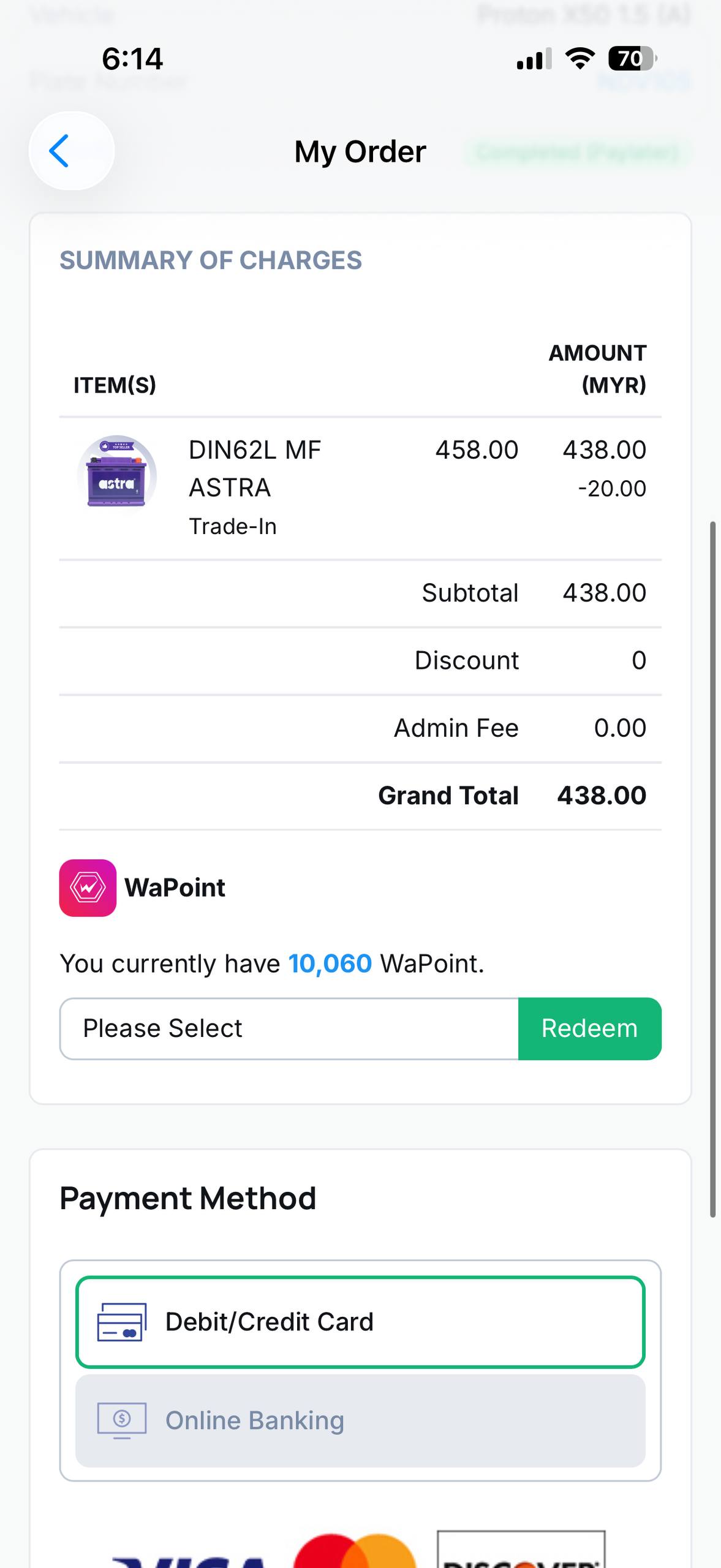
Review the final charges, complete payment, and wait for your confirmed roadside assistance order.

Frequently Asked Questions

Get answers about DRIVEO roadside assistance services, booking flow, response time, and payment in Malaysia.

DRIVEO provides fleet roadside services including battery service, emergency fuel delivery, jump start, towing service, tyre change, and car unlock support.

Open DRIVEO, tap View All, choose your required service, fill in vehicle and contact details, then submit your booking request for confirmation.

Yes. DRIVEO supports 24/7 roadside assistance requests for key services such as emergency fuel delivery and jump start, subject to service area coverage.

Response time depends on location, traffic, and partner availability. Once your request is confirmed, our team will coordinate support as quickly as possible.

You can review service charges before checkout and pay using available in-app payment options shown during your order flow.

Need help with DRIVEO roadside services?

Visit our support centre for guidance on booking, payments, and fleet roadside assistance services.

Hello!

Register for a new account for free or login if you already a member.
Community

What's happening in our community? Read latest tips and tricks in automobile world.

Go to Community